
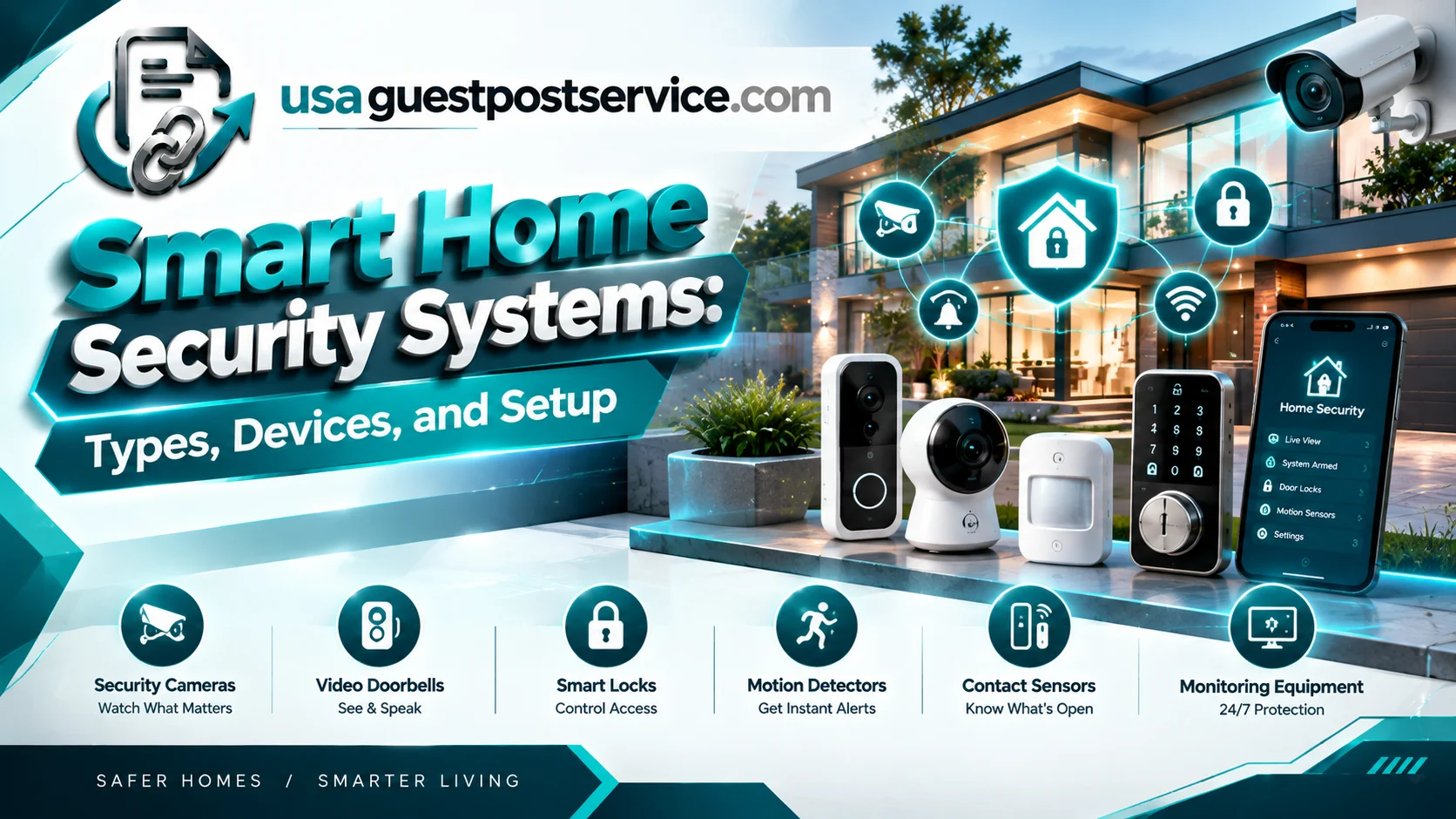
Smart home security systems combine connected devices, monitoring tools, and automation features to help homeowners manage access to their properties and respond to selected events. Common components include security cameras, video doorbells, smart locks, motion detectors, door and window sensors, alarms, and a central control panel. Depending on the setup, these devices can send notifications, record activity, or trigger supported automation routines.
Home automation and security can work together to provide more coordinated control than standalone devices alone. For example, a compatible motion sensor might activate an exterior light, while a door sensor sends an alert when an entrance opens. The best setup depends on household needs, device compatibility, connectivity, privacy requirements, and whether professional monitoring is necessary.
Understanding the available security systems, smart home security equipment, and installation options helps homeowners choose a practical solution without paying for unnecessary features.
What Are Smart Home Security Systems?
Smart home security systems use connected devices and control technology to monitor selected areas, manage access, and notify homeowners about certain events. Some systems operate mainly as alarms, while others integrate cameras, sensors, lighting, smart locks, and home automation security systems through a shared platform.
A traditional alarm system may use entry sensors and a control panel to detect an event and activate a siren. A connected system can add app-based controls, remote notifications, camera access, and supported automations.
However, connected security devices do not all perform the same role. A camera provides visual monitoring, a door sensor detects an opening, and a smart lock manages supported access functions. A professionally monitored alarm system may also include a monitoring service, but that service is not automatically included with every connected device.
The main purpose of home security smart technology is to make important events easier to detect and manage. A well-planned setup combines suitable equipment with reliable installation, sensible notifications, and appropriate security controls.
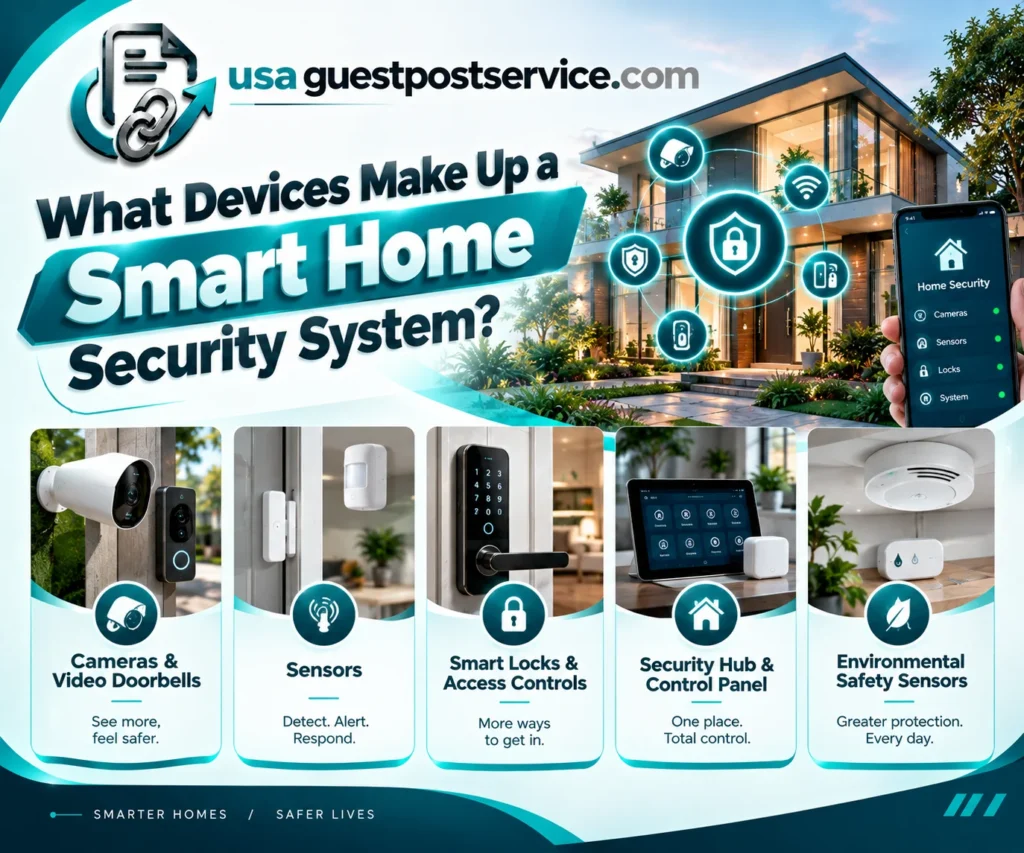
What Devices Make Up a Smart Home Security System?
Smart home security devices can be grouped according to their main functions. Some detect activity, others provide visual information, and some help control access or coordinate responses.
Security Cameras and Video Doorbells
Smart security cameras allow homeowners to monitor selected areas through supported apps or recording systems. Depending on the model, a camera may provide live viewing, motion notifications, recording, night vision, or selected event classifications.
Video doorbells add monitoring to an entrance and may let residents view visitors or communicate through a compatible app.
Before buying, check the camera’s field of view, recording options, power supply, weather rating where relevant, and storage requirements. Some products rely on cloud subscriptions, while others support local recording or different storage configurations.
Camera placement also matters. A camera should cover the intended area without unnecessarily capturing neighboring properties or private indoor spaces.
Door, Window, and Motion Sensors
Door and window sensors typically detect when a monitored entry point opens or closes. Motion detectors identify movement within their intended coverage area.
These sensors can notify homeowners, activate a compatible alarm, or participate in supported home security automation routines.
Sensor placement affects performance. Incorrect positioning, interference, battery problems, or unsuitable sensitivity settings may result in missed events or excessive alerts.
For reliable operation, test sensors after installation and periodically confirm that their notifications and batteries are functioning as expected.
Smart Locks and Access Controls
Smart locks provide selected access functions through compatible keypads, apps, codes, or other supported methods. Some products can integrate with a wider smart home platform.
They may offer convenient features such as temporary access codes, status checks, or supported locking routines. These capabilities differ by product, so homeowners should verify the exact functions before buying.
A smart lock should not remove access to essential manual operation without providing an appropriate backup method. Review battery warnings, emergency access instructions, and the manufacturer’s security guidance.
Smart Home Security Hub and Control Panel
A smart home security hub or control panel coordinates compatible devices and provides an interface for managing their status or settings.
Depending on the system, it may connect sensors, alarms, cameras, and other devices. A supported panel may also provide arming modes, audible alerts, or automation controls.
Not every smart home security hub includes a cellular connection, battery backup, or professional monitoring. Those features must be confirmed separately.
The distinction between a general smart home controller and a dedicated security panel is important. One may coordinate household devices, while the other may provide specialized alarm functions.
For additional context, see the existing guide to the smart home control panel, which explains centralized controls and how they fit into a connected home.
Environmental Safety Sensors
Some smart home security solutions include smoke alarms, carbon monoxide detectors, water-leak sensors, or other environmental monitoring equipment.
These devices address hazards that intrusion sensors and cameras may not detect. Their capabilities and safety requirements vary by product.
Use properly rated life-safety equipment and follow the manufacturer’s installation requirements and applicable local regulations. A general-purpose smart sensor should not be treated as a replacement for a required smoke alarm or carbon monoxide detector.
Common Components of Home Security Automation Systems
The following table summarizes the functions of major components and the most important considerations when choosing them.
| Component | Main Function | What to Check |
| Security camera | Monitors selected areas and provides supported video features | Placement, storage, power, and privacy |
| Door or window sensor | Detects entry-point activity | Alignment, range, battery, and alerts |
| Motion detector | Identifies movement within its coverage area | Placement, sensitivity, and false alarms |
| Smart lock | Manages supported access functions | Compatibility, backup access, and battery life |
| Alarm panel | Coordinates security sensors and alarms | Supported devices, power backup, and communication |
| Smart home security hub | Connects compatible devices and supports selected automation | Protocols, integration, and required accessories |
| Environmental sensor | Detects selected hazards or conditions | Sensor rating, location, and notification reliability |
The best combination depends on the property. A small apartment may need a door sensor, an appropriate camera, and an alarm. A larger home may benefit from more entry sensors, outdoor cameras, access controls, and a centrally coordinated system.
How Home Security Automation Works
Home security automation connects compatible devices through triggers, conditions, and actions. Instead of requiring a person to operate every device separately, a supported system can respond to selected events.
For example, a motion detector may identify movement outside after dark. The system could then turn on compatible exterior lighting and send a notification, provided the necessary devices and automation rules are configured correctly.
The basic process is:
Trigger → Supported system response → Action or notification
A trigger might be a door opening, movement being detected, or a user activating an alarm mode. The configured system then carries out the actions it supports.
Home automation and security systems can also coordinate other household functions. A compatible routine might switch on selected lights when an alarm mode changes or send an alert when a monitored door opens while the system is armed.
These automations can improve convenience, but they should not be treated as guarantees that every event will be detected. Device placement, connectivity, power, configuration, and environmental conditions all influence performance.
Smart Home Security Automation Examples
A few practical automation scenarios include:
Entry notifications: A door or window sensor sends an alert when a monitored entry point opens. Whether the alert is immediate depends on the device and connection.
Motion-triggered lighting: A compatible motion sensor activates lighting when movement is detected in a configured area.
Camera-related alerts: A supported camera sends notifications about selected activity, allowing the homeowner to check the event.
Away-mode routines: A compatible system adjusts selected lights or activates specific security functions when the household is away.
Each automation should be tested under realistic conditions. For important security functions, retain appropriate manual controls and understand what happens if a device loses power or connectivity.
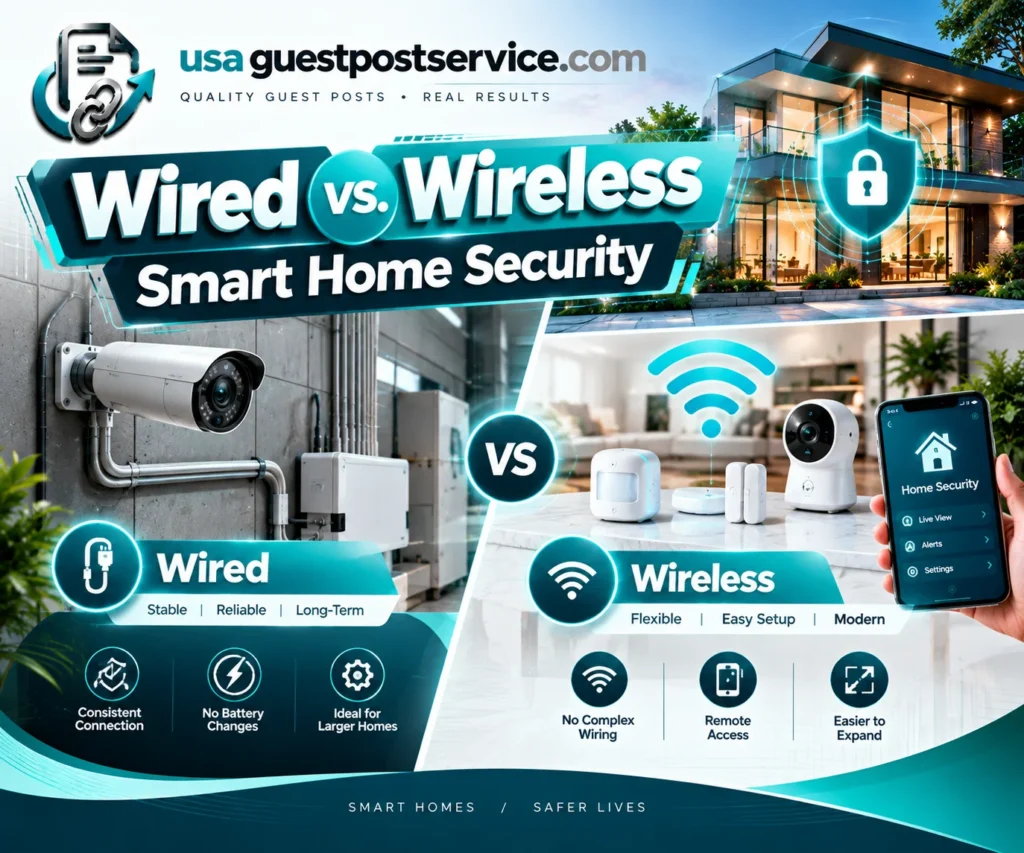
Wired vs. Wireless Smart Home Security
Security systems can use wired connections, wireless devices, or a combination of both. The right choice depends on the building, installation conditions, required reliability, budget, and planned system expansion.
Wired Security Systems
Wired systems use physical cabling to connect relevant components or provide power. They can be suitable for new construction, major renovations, or properties where the required wiring is already available.
Installation may involve cable routing, wall access, equipment placement, and qualified electrical or specialist work.
A wired system still requires appropriate maintenance and may depend on powered controllers or network equipment. Wiring alone does not guarantee that the entire system will continue operating during an outage.
Wireless Smart Home Security
Wireless smart home security uses supported radio technologies to connect sensors, cameras, locks, and controllers without requiring a dedicated cable between every device.
Wireless equipment can be convenient when upgrading an existing property because it may reduce the need for extensive new wiring.
However, wireless systems still need suitable power, communication range, and reliable network or hub connections. Battery replacement, interference, and device placement can also affect performance.
Comparing Wired and Wireless Options
| Consideration | Wired System | Wireless System |
| Installation | May require cable routing and specialist work | Often easier to retrofit, depending on the devices |
| Power | Depends on component design and installation | Devices may use batteries, adapters, or wired power |
| Connectivity | Uses physical connections for supported functions | Depends on wireless range and the chosen protocol |
| Expansion | May require additional cabling or compatible equipment | May allow easier additions when the controller supports them |
| Maintenance | Cabling and powered components require inspection | Batteries, wireless links, and updates require attention |
Neither system is automatically more secure in every situation. Evaluate the complete design, installation quality, backup arrangements, and maintenance requirements.
Google Home Security Systems and Connected Platforms
People comparing Google Home security systems should distinguish between a connected-home platform and a complete security service.
Google Home can provide controls and integrations for compatible cameras, doorbells, locks, and other supported devices. The available functions depend on the products, software, and current compatibility requirements.
A Google Home-compatible camera may provide viewing or selected notifications, but that does not automatically mean the homeowner has a complete monitored alarm system. Check whether the proposed setup includes an alarm panel, suitable sensors, professional monitoring if required, and documented responses to important events.
Also verify the current support status of older products before buying used equipment. Google’s support documentation states that the original Nest Secure is no longer supported and no longer connects to the internet.
When choosing a platform, compare supported device categories, access permissions, required accounts, automation features, and ongoing service dependencies. A compatible ecosystem should meet your needs without assuming that every device or feature will work across every product brand.
How to Choose the Right Security System for Your Home
The right security systems for houses depend on the property’s layout, entrances, occupants, privacy needs, and the events you want to monitor.
Begin by identifying the areas that need coverage. Entrances, accessible windows, driveways, shared spaces, and other locations may require different types of equipment.
Next, decide whether you need basic alerts, a connected alarm, camera monitoring, remote access, or professional monitoring. These functions overlap but are not interchangeable.
Compare equipment compatibility and installation requirements before choosing a system. Check whether the controller supports the intended sensors, whether wireless devices can communicate reliably, and whether required backup power or connectivity is included.
Finally, consider how the system will be maintained. Batteries, software updates, recording subscriptions, and support arrangements can affect the long-term cost and usefulness of installed home security systems.
DIY vs. Professional Home Security Installation
DIY installation can be appropriate for some consumer devices, including certain cameras, doorbells, and wireless sensors. These products may be designed for self-setup when the homeowner can follow the manufacturer’s requirements.
Professional smart home security installation may be more suitable when the project involves multiple systems, fixed wiring, difficult mounting locations, extensive configuration, or integration with existing equipment.
The installer should explain what the work includes, how the devices will be tested, and which functions the homeowner will be shown before the installation is considered complete.
For a broader overview of system planning, device compatibility, and setup, see the smart home installation guide.
What Professional Security Services May Include
Smart home security services can vary from basic device installation to system configuration, testing, troubleshooting, and ongoing support.
Some providers may also offer professional alarm monitoring, but that service should be verified separately. Camera access or an app notification does not automatically include emergency dispatch or continuous professional monitoring.
Before accepting a proposal, request a written scope describing the included devices, installation tasks, monitoring arrangements if any, subscription costs, warranty coverage, and support responsibilities.
The smart home installation services guide provides further context on planning, configuring, and integrating connected devices.
Smart Home Security Installation: Step by Step
A reliable installation begins with preparation rather than mounting devices immediately.
Assess the Property and Identify Priorities
List the entrances and areas you want to monitor. Consider where sensors, cameras, panels, and other equipment can be installed without creating unnecessary privacy concerns.
Choose equipment based on actual coverage needs, not simply the number of devices included in a package.
Confirm Compatibility and Network Requirements
Check the exact model of each device and verify that it works with the intended platform or hub.
Review the network requirements, communication range, power source, and any required bridge or controller. Resolve known connectivity problems before permanently mounting equipment.
Install and Configure the Devices
Follow the manufacturer’s instructions for each component. Arrange qualified assistance for electrical or other specialist work when required.
Add the devices to the appropriate applications or controller, name them clearly, and configure relevant access permissions.
Test Alerts and Automation
Test door sensors, motion detection, camera views, alarm responses, notifications, and other required features individually.
Then test the complete home security automation system under normal operating conditions. Confirm that a trigger produces the intended action and that household members understand how to operate the system manually.
Document and Maintain the Installation
Keep a record of device models, setup instructions, warranty details, and support arrangements.
Review batteries, connectivity, software updates, recording settings, and user permissions periodically. A system that has not been tested or maintained may not perform as expected when needed.
Smart Home Security Equipment: Privacy and Maintenance
Connected security technology may process sensitive information, including video, audio, access events, or details about household activity. Security therefore requires more than choosing a reliable camera or alarm.
To secure home cameras, choose products with documented security features, use strong and unique passwords, enable available authentication protections, keep software updated, and review who can access recordings.
Homeowners should also:
- Protect the router and connected accounts with appropriate security settings.
- Review camera placement, recording access, and privacy permissions.
- Use available encryption and authentication features.
- Remove access for people who no longer need it.
- Test important sensors, alerts, and backup arrangements periodically.
The Federal Trade Commission recommends reviewing camera security features, protecting home networks, updating software, and using strong passwords. These practices apply to connected cameras as well as other devices that can access sensitive household information.
Common Smart Home Security Mistakes to Avoid
One common mistake is assuming that a camera alone provides complete home protection. Cameras can document activity, but they do not replace every alarm, sensor, access-control function, or professional monitoring service.
Another is selecting devices without checking compatibility. Two products may both be marketed as smart but may not support the integrations needed for a reliable system.
Homeowners can also overlook maintenance. Dead batteries, outdated software, incorrect sensor placement, and changed network settings can affect performance.
Finally, avoid creating so many notifications that important alerts become difficult to recognize. Configure the system around meaningful events, test the settings, and adjust them when household needs change.
Frequently Asked Questions About Smart Home Security
What Is the Difference Between a Smart Home Security System and a Traditional Alarm?
A traditional alarm typically focuses on detecting selected events and activating an alarm. A smart home security system may add app-based access, remote notifications, cameras, connected locks, and supported automation. The exact difference depends on the equipment and services included.
Do Smart Home Security Systems Need Wi-Fi?
Not always, but many connected devices rely on Wi-Fi or another network connection for specific features. Some systems use dedicated wireless communication, local controllers, or cellular connections. Check which functions continue to work when the internet or power is unavailable.
Can Smart Home Security Devices Work Without Professional Monitoring?
Yes. Some systems provide self-monitoring through local controls, apps, and notifications. Professional monitoring is a separate service that must be confirmed with the provider. A notification alone does not guarantee that an emergency response will occur.
Are Wireless Security Systems Reliable?
They can be reliable when properly designed, installed, and maintained. Performance depends on signal range, power, interference, device quality, and the controller. Important functions should be tested regularly, and backup arrangements should be reviewed.
What Should a Smart Home Security Panel Include?
The appropriate features depend on the system. A panel may support arming modes, sensor status, alerts, or integration with compatible devices. Confirm the functions, communication methods, power backup, and monitoring options included with the specific product.
Can Google Home Replace a Dedicated Security System?
Google Home can control compatible security devices, but it should not automatically be treated as a complete alarm or monitoring service. Check the supported products, alarm functions, and professional monitoring arrangements required for your property.
Build a Smart Home Security System That Fits Your Needs
Effective smart home security systems combine the right devices with reliable installation, clear controls, and sensible maintenance. Cameras, sensors, locks, alarms, and automation can serve different purposes, so the system should be designed around the property’s actual needs rather than the number of connected products.
Before purchasing equipment, confirm compatibility, coverage, power and network requirements, privacy settings, and support arrangements. Decide whether self-monitoring is sufficient or whether a professional monitoring service is needed.
A well-planned security system should be understandable, maintainable, and reliable in normal use. Testing the equipment and reviewing its settings over time helps keep the system aligned with changing household requirements.